9 Best Tools for WhatsApp Appointment Booking in 2026
Your booking confirmations keep getting buried in WhatsApp chats. Missed reminders mean no-shows, and chasing payments manually eats hours every week. That is usually the moment people start comparing booking tools.
This article breaks down what actually matters: calendar sync, automated reminders, payment collection, pricing, and Meta API compliance. You will get nine tools compared side by side, plus a clear number one pick and the criteria to choose the right one for your business.
What to Look For in WhatsApp Appointment Booking Tools
Selecting the right WhatsApp appointment booking tool requires evaluating a blend of scheduling capabilities, communication features, and compliance standards. The market has matured quickly, and the tools available in 2026 differ widely in depth, so a structured comparison saves time later.
Start with the practical question: does the tool fit how your business already schedules appointments? A clinic, a salon, and a consulting firm may all use WhatsApp appointment booking, yet their needs around staff calendars, deposits, and follow-ups look quite different.
Four criteria matter most across industries:
- Calendar integration so bookings land in the tools your team already uses
- Automated reminders and confirmations to reduce no-shows
- Payment collection for deposits or full prepayment inside the chat
- Compliance with WhatsApp Business API policies to protect your phone number
Beyond those basics, consider how a scheduling software handles rescheduling, cancellations, and multiple team members. A booking bot that only captures a name and time creates manual work later.
The subsections below break down each criterion so you can score tools against your own priorities rather than marketing claims.
Key Features: Calendar Sync, Reminders, and Payment Collection
A robust WhatsApp appointment booking tool must seamlessly sync with popular calendars like Google Calendar and Outlook Calendar to prevent double-bookings and streamline scheduling. Calendar integration matters because most teams live in a calendar all day, and appointments that exist only inside a chat dashboard get missed.
Look for two-way sync where possible. When a customer books through WhatsApp, the slot should appear on the staff calendar, and when someone blocks time directly in Google Calendar, that slot should disappear from availability.
Automated reminders are the second pillar. Sending appointment reminders 24 hours and 1 hour before the visit gives customers two chances to confirm, reschedule, or cancel. Automated confirmations sent immediately after booking close the loop and reduce back-and-forth messages.
Payment collection rounds out the core feature set. Tools that support payment integration with providers such as Stripe or PayPal let customers pay a deposit or the full amount without leaving the conversation. That single step can meaningfully cut no-shows for high-value services.
Also check the message formats a tool supports. Interactive messages, quick replies, list messages, and button messages make rescheduling and service selection faster than free-text replies. Some platforms go further with WhatsApp Flows, which present structured forms inside the chat.
Finally, consider video appointments. Zoom integration, Google Meet, or Microsoft Teams links generated automatically at booking save a manual step for remote consultations. An SMS fallback for customers who miss a WhatsApp notification is a useful safety net as well.
Pricing, Scalability, and WhatsApp API Compliance
Pricing models for WhatsApp appointment booking tools vary from flat monthly fees to usage-based charges, and scalability often depends on message volume and team size. Common structures include per-user plans, tiered plans by contact volume, and per-message pricing that mirrors WhatsApp's own conversation-based charges.
Compare the total cost at your expected volume, not just the entry price. A cheap plan that charges extra for every reminder message can cost more than a higher flat fee once you send thousands of automated confirmations each month.
Scalability covers more than message limits:
- Adding team members and shared inboxes without switching plans
- Handling seasonal spikes in appointment volume
- Supporting multiple locations or service categories
- Connecting to a CRM integration as your customer data grows
Compliance is non-negotiable. Tools must operate through an official WhatsApp Business API provider and follow Meta's policies, including rules on template messages and opt-in. The WhatsApp Business Platform is designed for exactly this kind of business messaging.
Non-compliant tools, often built on unofficial automation, risk number bans that can wipe out your booking channel overnight. Verify that a vendor works with the WhatsApp Business API and offers guidance on Meta Business Suite setup and message templates before you commit.
With these criteria in hand, the tool comparisons that follow will make more sense, since each option trades off differently on features, price, and compliance.
1. Com.bot - Best Overall
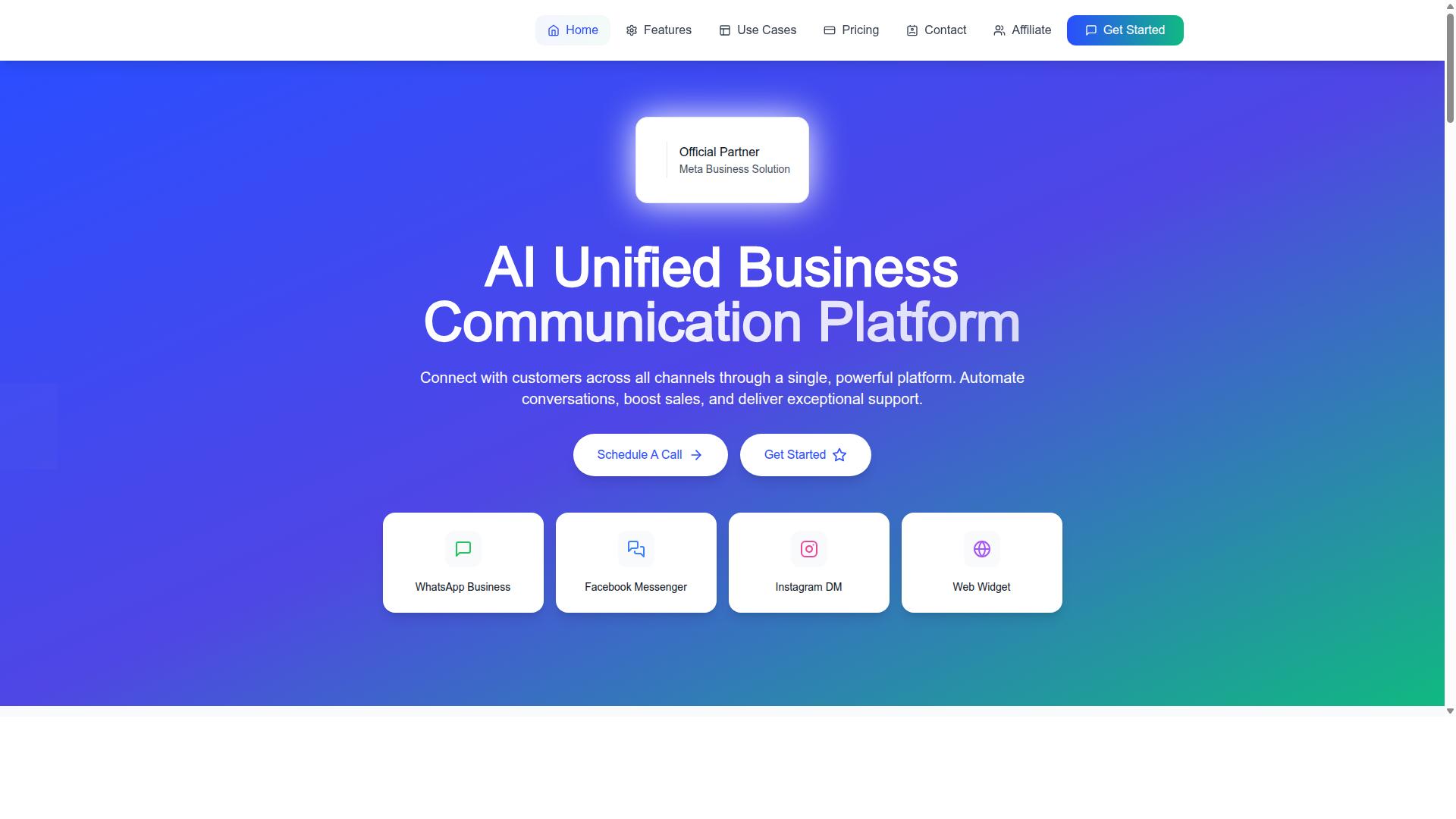
Com.bot stands out as the best overall WhatsApp appointment booking tool due to its comprehensive feature set, official Meta partnership, and proven track record with over 23,000 active customers. For any business that books time with customers, that combination matters. It signals reliability, platform compliance, and a product built for scale rather than a side project.
As an official Meta Business Partner, Com.bot works directly with the WhatsApp Business Platform. That relationship helps businesses avoid the friction that often comes with unofficial tools, from template approval issues to account stability concerns. The platform processes 25M+ messages per day, which speaks to the kind of load it handles without breaking a sweat.
Beyond raw scale, Com.bot brings enterprise-grade security with end-to-end encryption. Organizations handling sensitive client data, including the 100+ government bodies already on the platform, need that assurance. It is not just a nice-to-have when appointments involve health, legal, or financial information.
The platform supports more than WhatsApp alone. Businesses can manage WhatsApp, Facebook Messenger, Instagram DM, and a Web Widget from one place, which keeps appointment conversations in a single inbox. A visual bot builder rounds out the package, letting teams map out booking flows without writing code.
With 100K+ bots created and 500+ global partners, Com.bot has a track record that is hard to match in this category. Setup is quick, message delivery is real-time, and there is no markup on WhatsApp conversations. That last point keeps costs predictable as booking volume grows.
Appointment Booking Features, Pricing, and Why It Leads
Com.bot's appointment booking capabilities include calendar sync, automated reminders, and native payment collection. These are the core pieces a scheduling workflow needs, and having them in one platform removes the need to stitch together separate tools.
The visual bot builder lets teams design booking flows that match how their business actually operates. You can structure the conversation around services, staff, or locations, then let the bot handle the back-and-forth. Automated reminders then go out on schedule, which helps with no-show reduction without anyone manually chasing clients.
Payment collection is built in, so deposits or full prepayment can be handled inside the same conversation. That closes the loop between booking and payment, which is often where manual processes fall apart. Calendar integration keeps availability accurate in real time, avoiding double bookings.
Pricing is structured around quarterly plans in USD:
- Silver Plan: $149 per quarter
- Gold Plan: $349 per quarter (recommended)
- Platinum V1: $2500 per quarter
Add-ons include $10 per month for an additional team member, plus options for social channels, external actions, bot triggers, and an ecom store. WhatsApp messaging is billed at actual Meta rates with no markup. Dedicated support is available at $49/hour for WABA, CRM, and Inbox topics, or $99/hour for Ecommerce, Bots, and Automations.
For most growing businesses, the Gold Plan hits the sweet spot between capability and cost. The Silver tier works for smaller teams testing WhatsApp appointment booking for the first time, while Platinum V1 suits larger operations with heavier volume and support needs. The absence of markup on conversations means the pricing stays transparent as usage scales.
What ties it together is the combination of official platform access, multi-channel reach, and a builder that non-technical teams can actually use. Competitors may specialize in one area, but few cover the full path from first message to confirmed, paid appointment. That breadth is why Com.bot leads this list.
2. Interakt
Interakt offers a user-friendly WhatsApp Business API solution with appointment booking capabilities, targeting small to medium-sized businesses. It is best known as a WhatsApp marketing app for Shopify, which shapes both its strengths and its limits as a scheduling tool.
For appointment-driven businesses, Interakt supports the core building blocks of WhatsApp appointment booking. Teams can capture booking requests inside a shared inbox, route them to the right staff member, and use chatbot flows and auto-replies to handle common questions before a slot is confirmed.
Its automation set leans heavily on conversational commerce rather than pure scheduling. Documented features include abandoned cart reminders with checkout links, bulk campaigns, COD double-confirmation, automated order updates, a shared team inbox, a chat widget, Instagram automation, and AI agents.
That mix suits merchants who want bookings and sales handled in one place. A salon selling prepaid packages or a clinic promoting a seasonal health check can run a campaign and manage replies from the same dashboard.
Pricing is published and tiered, with additional WhatsApp conversation charges applied on top:
| Plan | Monthly | Annual |
|---|---|---|
| Starter | $21 | $180 |
| Growth | $41 | $296 |
| Advanced | $51 | $468 |
| Premier | $99 | $839 |
That structure scales reasonably for a growing team, since businesses can start on a lower tier and move up as message volume and staff seats increase. The separate conversation charges are worth factoring into any budget comparison.
Two gaps stand out. Deep calendar integration and native payment collection are not part of the documented feature set, so businesses that need Google Calendar sync, Outlook Calendar support, or in-chat payments may need to pair Interakt with a dedicated appointment scheduling tool. Teams should also confirm how automated confirmations and no-show reduction workflows are configured before committing.
3. AiSensy
AiSensy provides a WhatsApp marketing and automation platform with appointment booking features, emphasizing ease of use and quick setup. It is built on the official WhatsApp Business API and holds Business Solution Provider status, which means businesses can run template messages, interactive messages, and automated flows without building a custom integration from scratch.
For teams that want a no-code path to WhatsApp appointment booking, AiSensy's chatbot builder is the core draw. Users assemble flows with quick replies, button messages, and list messages to capture a booking request, collect the customer's preferred slot, and confirm it inside the chat.
Appointment Booking Capabilities
AiSensy supports the building blocks most scheduling workflows need: a chatbot flow that gathers date and time preferences, automated confirmations sent as template messages, and reminder messages triggered ahead of an appointment. These reminders are the practical lever behind no-show reduction, since a nudge inside WhatsApp tends to reach people where they already are.
Calendar sync and CRM integration are the areas to verify during a trial. AiSensy's public positioning centers on marketing automation and campaign flows rather than deep two-way calendar infrastructure, so businesses that depend on live Google Calendar sync or Outlook Calendar availability checks should confirm what is supported before committing. The same applies to payment integration: the platform is not marketed around native Stripe or PayPal checkout, so collecting a deposit or prepayment may require a workaround. Video links for Zoom, Google Meet, or Microsoft Teams can typically be shared as part of a confirmation message rather than generated automatically.
In short, AiSensy handles the conversational side of appointment scheduling well. The deeper back-office plumbing is where expectations should be set carefully.
Pricing and Target Audience
AiSensy publishes pricing that starts at INR 1500/month plus WhatsApp conversation charges, with a free tier available for businesses that want to test the platform first. The company also lists a $45/mo (₹1,500) entry point. Conversation charges are billed separately by Meta, so the total cost depends on message volume.
Its AI capabilities are described as basic or available through add-on flows rather than as a standalone engine. That fits the platform's overall shape: dependable automation for common marketing and booking journeys, not advanced conversational AI out of the box.
The target audience is clear. AiSensy is positioned for SMBs, D2C brands, and India-focused marketing teams that want an affordable, officially supported WhatsApp Business API provider. Businesses running high-volume campaigns on a budget will find the fit natural.
- Strengths: official BSP status, no-code chatbot builder, quick setup, free tier, accessible entry pricing
- Limitations to check: limited native payment integrations, calendar sync depth, basic AI without add-ons
- Best for: budget-conscious marketing teams and small businesses in India
Teams comparing WhatsApp appointment booking tools should weigh AiSensy on campaign value and setup speed, then confirm the scheduling integrations their workflow actually requires.
4. Gallabox
Gallabox combines WhatsApp Business API with a shared team inbox, making it suitable for collaborative appointment scheduling and customer support. Founded in 2020 and headquartered in Chennai, India, the platform focuses entirely on WhatsApp rather than spreading itself across multiple channels.
For clinics, salons, consultancies, and service businesses that handle bookings through chat, that single-channel focus can be an advantage. Agents work from one inbox, and the WhatsApp automation layer handles repetitive scheduling tasks without pulling a human into every conversation.
Gallabox supports the core building blocks of WhatsApp appointment booking through its chatbot builder and template library. Teams can set up flows that collect a preferred date and time, confirm the slot, and send appointment reminders before the visit.
The no-code bot builder is generally regarded as approachable for common workflows, which helps smaller teams launch a booking bot without developer help. Broadcast campaigns and click-to-WhatsApp ads round out the toolkit for businesses that want to drive bookings from outbound outreach as well as inbound chats.
Confirmations and reminders run as template messages and interactive messages, letting customers tap quick replies or list options instead of typing responses. That structure tends to reduce back-and-forth and supports no-show reduction when reminders go out on schedule.
Gallabox lists CRM integrations among its features, so booking data can flow into a connected customer record rather than sitting only inside the chat thread. Analytics and reporting give managers a view of conversation volume and agent activity.
It is worth noting what the platform does not emphasize. Gallabox is limited to WhatsApp, with no Instagram or broader multi-channel coverage, and its third-party integration list is shorter than some competitors. Businesses that need Google Calendar sync, Outlook Calendar, or Zoom integration built in should verify current capabilities directly, since those advanced scheduling features are not clearly documented in public materials.
Payment collection is another area to check carefully. Gallabox supports WhatsApp Payments, but the platform does not appear to offer the kind of deep payment integration with processors like Stripe or PayPal that some booking-focused tools provide. Teams that require deposits at the time of booking may need a workaround.
Gallabox pricing starts "From $40/mo which positions it competitively for the Indian market and for small to mid-sized teams. The shared inbox is designed with sales teams in mind, so the pricing model generally scales with seats and conversation volume rather than charging per booking.
Scalability is reasonable for growing support and sales operations. However, the AI chatbot capabilities are still maturing, and businesses with complex, multi-step booking logic may find the automation ceiling arrives sooner than expected.
- Best for: Teams that want a collaborative WhatsApp inbox with straightforward booking automation
- Strengths: Intuitive shared inbox, no-code bot builder, competitive pricing
- Watch out for: WhatsApp-only coverage, fewer integrations, limited payment collection
5. Landbot
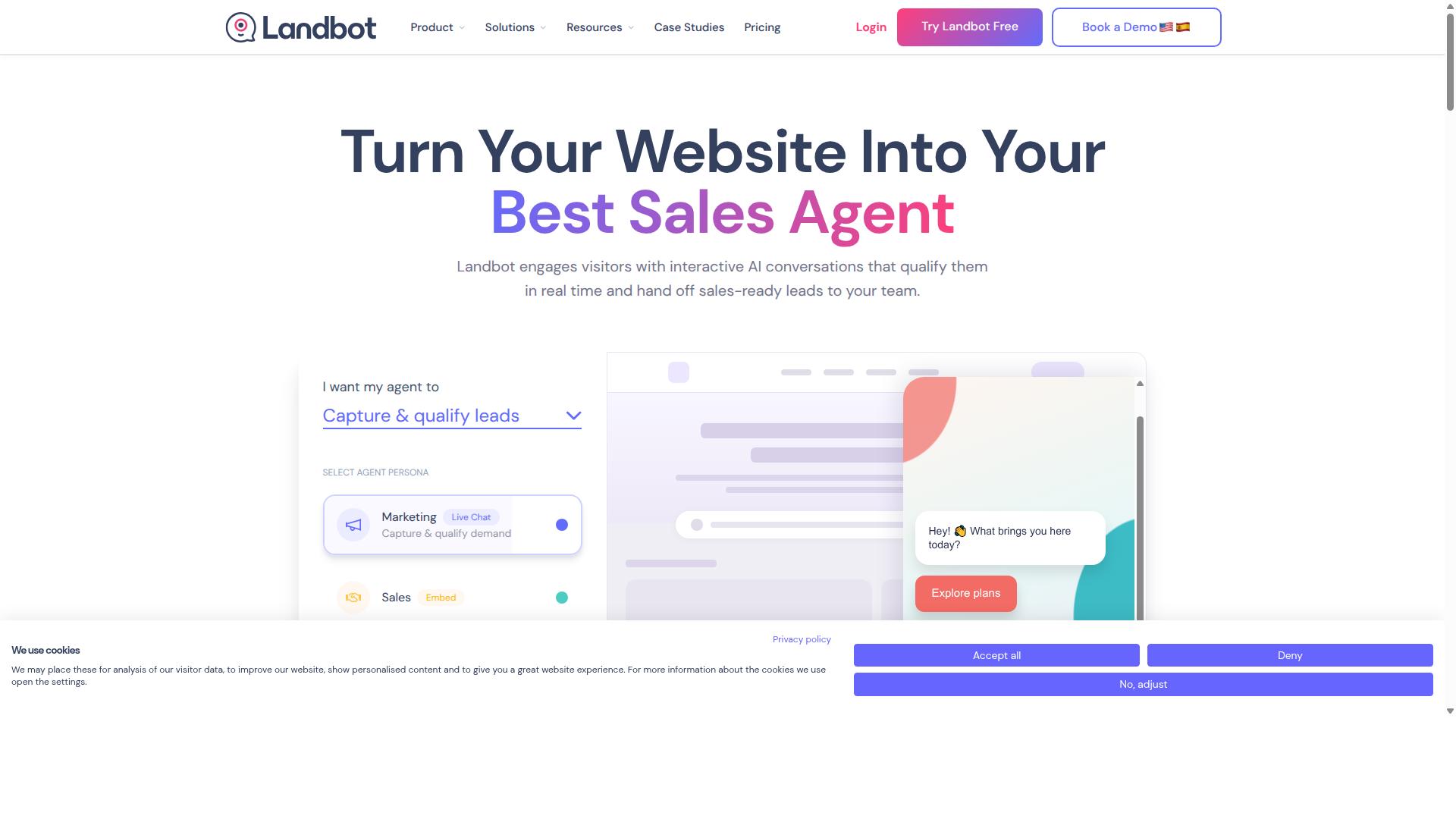
Landbot is a no-code chatbot builder that supports WhatsApp appointment booking through interactive flows and integrations with calendars and CRMs. It is built around conversation design rather than a fixed booking template, which makes it a flexible option for teams with unusual scheduling logic.
Instead of a simple form, visitors move through a chat-style sequence of questions and answers. That approach suits businesses that need to qualify a lead before offering a time slot.
Landbot's core strength is its visual flow builder. Users drag blocks onto a canvas to control how a conversation branches, so booking paths can be tailored to different services, locations, or customer types.
The platform supports interactive messages such as quick replies and button choices, which keep the booking exchange short and easy to follow. Calendar and CRM connections handle the rest of the scheduling work.
- Google Calendar sync for checking availability and confirming slots
- Zapier connections to reach tools that lack a native integration
- CRM handoff so new bookings land in the right contact record
- Automated confirmations and appointment reminders after a slot is reserved
Because the builder is no-code, staff without developer skills can assemble and edit a booking flow. The tradeoff is that a more customized conversation usually takes more time to design and test.
Landbot is generally positioned as a paid platform with tiered plans, and many chatbot builders meter usage by conversation volume or active contacts. Pricing details change often, so it is worth confirming the current structure directly with the vendor before committing.
For a small team with one simple booking flow, setup is manageable. For a larger operation running several services and languages, the build effort and ongoing maintenance grow accordingly.
One practical consideration is WhatsApp Business API compliance. Connecting a chatbot to the official API typically involves a business verification process, a phone number that is not already tied to a standard WhatsApp account, and approved message templates for anything sent outside a 24-hour customer service window.
Landbot can operate within those rules, but the path to a fully compliant WhatsApp channel may involve more configuration than a tool built specifically for the WhatsApp Business Platform. Teams without technical support should budget extra time for this stage.
Where Landbot stands out is conversation flexibility. Where it asks more of the user is in setup and compliance groundwork.
6. ManyChat
ManyChat is a popular chatbot platform that supports WhatsApp appointment booking through automation and integration with scheduling tools. It is an AI-powered, no-code chatbot builder used by over 1 million businesses, with a strong following among Instagram creators, coaches, e-commerce brands, agencies, course creators, and local businesses.
For appointment scheduling, ManyChat leans on its visual drag-and-drop flow builder. You map out the conversation step by step, from the first greeting to the final confirmation, without writing code.
The platform connects to WhatsApp through the WhatsApp Business API, which means Meta business verification is required before you go live. Once connected, you can build a booking bot that captures a customer's name, preferred service, and time slot directly inside the chat.
From there, the flow can hand off to a scheduling tool for calendar integration and automated confirmations. ManyChat also integrates with Zapier, HubSpot, Google Sheets, Shopify, WooCommerce, and Mailchimp, so appointment data can flow into a CRM or spreadsheet.
ManyChat's pricing is tiered and contact-based:
- Free plan: "₹0" for up to 1,000 contacts
- Pro plan: "From ~₹1,250/month"
- Elite plan: Custom pricing
The free tier makes it easy to test a booking flow before committing. Paid tiers add more contacts and features, and the platform scales reasonably well for growing teams.
One limitation worth noting: ManyChat does not appear to offer native payment collection within WhatsApp. If your booking process requires a deposit or prepayment, you would typically route the customer to an external checkout rather than completing the transaction in the chat itself.
ManyChat is a solid fit if you already run Instagram or Messenger campaigns and want to extend that automation into WhatsApp appointment booking. Teams that need payments handled inside the conversation may want to compare it against tools built for that purpose.
7. Trengo
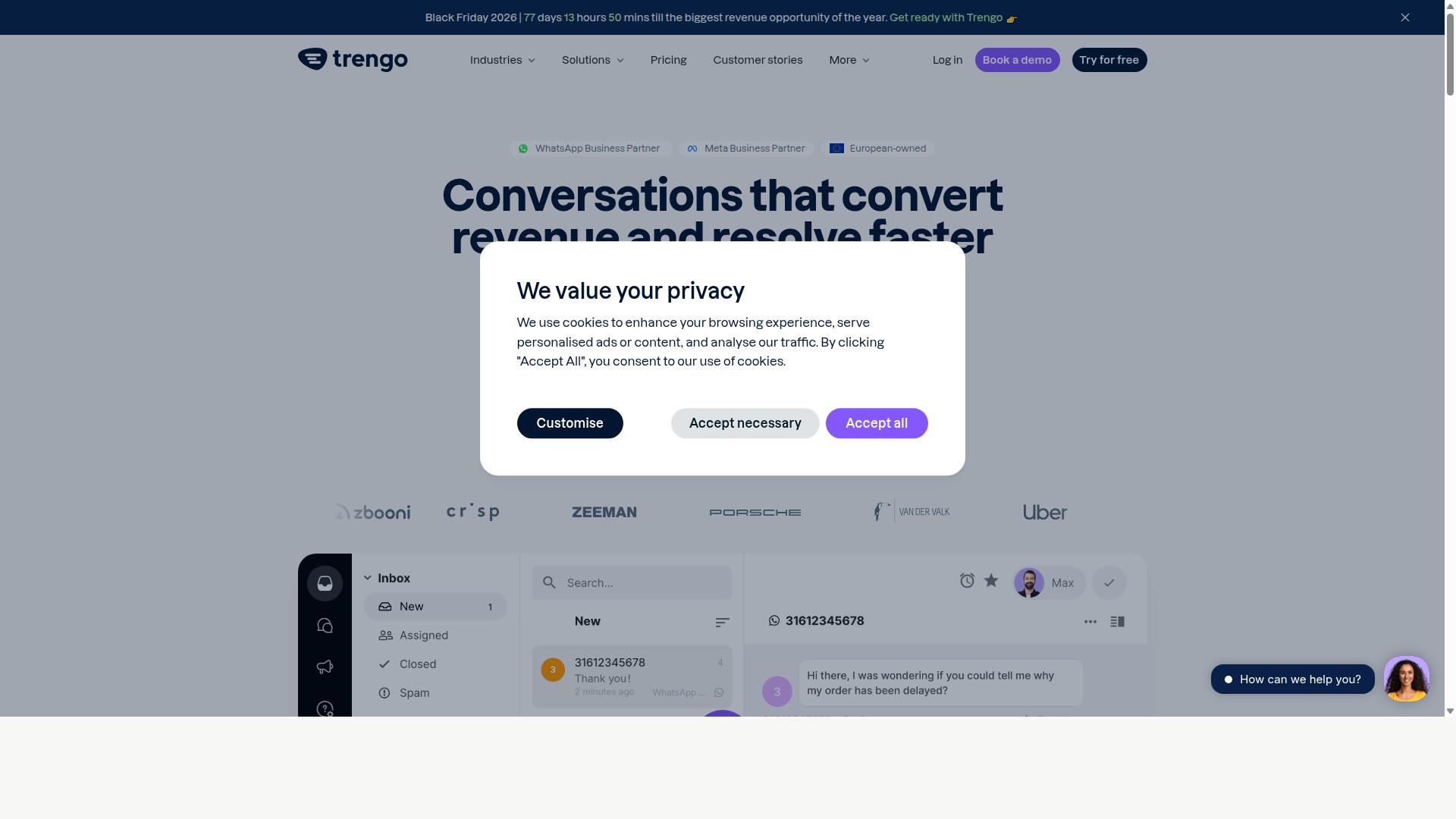
Trengo is a collaborative communication platform that includes WhatsApp appointment booking capabilities within its shared inbox and CRM integrations. It is built around the idea that conversations should not live in a single agent's phone, but in a shared workspace the whole team can see.
For businesses handling a steady volume of WhatsApp messages, that structure matters. A booking request, a rescheduling note, and a follow-up question can all sit in one thread, visible to every agent on shift.
Appointment Booking Features
Trengo's booking workflow leans on its inbox rather than on a dedicated scheduling engine. Teams connect their WhatsApp Business API number, route incoming chats to the right queue, and use calendar integration to check availability while replying.
Common uses include:
- Sharing available time slots through interactive messages, quick replies, or list messages
- Syncing confirmed bookings with Google Calendar or Outlook Calendar where integrations allow
- Sending automated confirmations and appointment reminders through template messages
- Logging customer details in the connected CRM so history stays with the contact
Reminders are typically handled through WhatsApp's approved template message system, which helps with no-show reduction when set up carefully. The platform also supports SMS fallback in some configurations, so a booking confirmation is not lost if a customer misses the WhatsApp notification.
Where Trengo differs from a purpose-built appointment scheduling tool is depth. There is no indication of native payment integration, video meeting links, or advanced routing logic such as round-robin across practitioners. Those gaps are usually filled by connecting a separate scheduling tool or by handling the final step manually.
Pricing and Target Market
Trengo is positioned for mid-sized to large businesses rather than solo operators. Its pricing model is seat-based, meaning cost scales with the number of agents who need inbox access, and it is typically quoted on request rather than published as a flat rate.
That structure suits support and sales teams where several people answer the same WhatsApp line. It fits less well for a small clinic with one receptionist, where a lighter scheduling-focused tool usually costs less and does the booking job more directly.
Buyers evaluating Trengo should ask three questions before committing:
- How many agent seats are actually needed at peak hours
- Whether the calendar tools the business already uses are supported natively
- Whether booking automation is deep enough, or whether a dedicated scheduling tool must sit alongside it
Strengths and Limitations
The clearest strength is team collaboration. Shared inboxes, internal notes, and assignment rules mean a booking conversation does not stall when one agent goes offline. For businesses where WhatsApp is a primary support channel, that continuity is valuable.
The limitation is automation depth. Trengo handles conversations well, but advanced booking logic such as multi-resource availability, buffer times, deposits, or automated rescheduling flows is generally outside its core scope. Teams needing those features often pair it with a dedicated appointment scheduling tool.
On balance, Trengo works best as a communication layer with booking attached, not as a booking engine with chat attached. Businesses that weigh conversation management above scheduling sophistication will find it a reasonable fit. Those whose main goal is filling a calendar with minimal manual effort should compare it against tools built specifically for that job.
8. Gupshup

Gupshup offers an enterprise-grade WhatsApp Business API solution with appointment booking features, focusing on high-volume messaging and automation. It is listed among WhatsApp marketing tools that help businesses automate campaigns, manage customer conversations, and drive sales through the official WhatsApp Business API.
For teams handling thousands of booking conversations each month, that scale-first design is the main draw. Businesses use it to build WhatsApp automation flows that qualify leads, share available slots, and confirm appointments without a human agent stepping in.
Because it runs on the official WhatsApp Business API, it supports the message types that appointment booking depends on, including template messages, interactive messages, quick replies, list messages, and button messages. These building blocks let a booking bot present time slots as tappable options rather than long typed replies.
Booking Capabilities and Chatbot Integration
Gupshup's chatbot tooling lets teams design conversational flows that move a customer from first message to a confirmed appointment. A typical flow might greet the user, ask which service they need, offer open slots, and send an automated confirmation.
According to the company, the platform covers both smart SMS campaigns and alerts alongside its WhatsApp messaging services. That combination matters for appointment reminders, since a business can follow up on WhatsApp and fall back to SMS when a customer does not respond.
Common booking tasks handled through this kind of setup include:
- Collecting the customer's name, service type, and preferred date
- Presenting available times as quick replies or list messages
- Sending automated confirmations once a slot is chosen
- Triggering reminder messages ahead of the appointment
- Routing complex requests to a live agent when needed
The platform also supports campaign-style messaging, which suits practices that want to re-engage past customers or fill last-minute cancellations. Because booking logic lives inside the conversation, customers never leave WhatsApp to complete a reservation.
One caution: the public pages for Gupshup do not detail specific calendar sync behavior, so buyers who need Google Calendar sync or Outlook Calendar support should confirm those integrations directly with the vendor before committing. The same applies to CRM integration and payment integration details.
Pricing, Scalability, and Fit
Gupshup does not publish standard pricing on its public pages. Costs are typically handled through custom quotes based on message volume, use case, and the level of support required.
That quote-based model reflects the platform's enterprise positioning. It is built for organizations sending large volumes of messages across multiple channels, not for a single-location salon or clinic booking a handful of appointments a day.
For large enterprises, the appeal is clear. A single vendor can handle WhatsApp messaging, SMS campaigns, automation, and agent workflows at scale, which reduces the number of tools an operations team has to manage.
For small businesses, the same setup can be overkill. Quote-based pricing, onboarding effort, and enterprise-level configuration may not make sense when a simpler scheduling software with a built-in booking bot would cover the same needs at lower complexity.
Before shortlisting Gupshup, it helps to ask a few practical questions:
- Does the quoted plan include the appointment booking flows you need, or are those billed separately?
- How does the platform connect to your existing calendar and CRM systems?
- What message volume does the quote assume, and how does pricing change if you exceed it?
- Is there a simpler tier for smaller teams, or is the product enterprise-only?
In short, Gupshup fits businesses that treat WhatsApp as a primary, high-volume channel and want automation, campaigns, and booking under one roof. Smaller operations may find a lighter appointment scheduling tool faster to deploy and easier to justify on cost.
9. Wati
Wati provides a WhatsApp Business API solution with appointment booking features, designed for small and medium businesses seeking simplicity. It is a WhatsApp-first marketing platform, and public listings often describe it as one of the most complete and user-friendly choices for SMBs.
Its core strength lies in broadcast campaigns and AI automation. Booking is folded into that broader toolkit rather than offered as a standalone scheduling product.
For appointment booking, Wati combines several building blocks inside one platform:
- Broadcasting to send appointment-related offers or reminders to opted-in contacts
- Chatbots and automation flows to guide customers toward a booking
- CRM features to keep contact and conversation history in one place
These pieces work together to support a WhatsApp appointment booking workflow. The platform's high automation level means much of the back-and-forth can run without a staff member replying each time.
Because Wati is built on the WhatsApp Business API, it can use template messages and interactive formats such as quick replies and button messages. That matters for confirmations and reminders, which need to reach customers reliably outside the 24-hour service window.
Setup is generally described as straightforward, which is part of why SMBs gravitate to it. Businesses that already run campaigns on WhatsApp can add booking flows without adopting a separate system.
Public sources do not list Wati's specific pricing tiers, so buyers should confirm current plans directly. Pricing for WhatsApp Business API tools typically scales with conversation volume and contact counts, so the entry cost rarely tells the whole story.
A few limitations are worth weighing. Wati does not appear to offer native payment collection, so businesses that want to take deposits or prepayments at the point of booking may need a separate payment tool.
Advanced customization is also less of a focus. Teams with complex scheduling rules, multi-location logic, or highly tailored intake forms may find the chatbot builder flexible enough for simple flows but tight for intricate ones.
Calendar integration is another area to verify. Businesses that depend on Google Calendar sync or Outlook Calendar should confirm how bookings land on staff calendars before committing.
For straightforward booking driven by campaigns and automated replies, Wati is a reasonable fit. For deeper scheduling or payment needs, compare it against a dedicated appointment scheduling tool.
How to Choose the Right Option
Choosing the right WhatsApp appointment booking tool depends on your business size, budget, required features, and technical expertise. A solo practitioner running a clinic has very different needs from a government body coordinating thousands of citizen requests each month.
Start by mapping your must-have capabilities against what each platform actually delivers. A tool that looks affordable on paper can become expensive if you later need add-ons for payments or multi-channel messaging.
Use the framework below to narrow the field before you commit to a subscription or implementation project.
- Calendar sync: Confirm the tool supports Google Calendar sync, Outlook Calendar, or two-way calendar integration so staff never double-book.
- Reminders and confirmations: Look for appointment reminders, automated confirmations, and follow-up messages that help with no-show reduction.
- Payments: If you collect deposits or full fees upfront, check whether payment integration is built in or requires a separate gateway.
- Compliance: Regulated industries and public sector teams need to verify data handling, message consent, and audit requirements before rollout.
- Scalability: Estimate your booking volume in 12 months, not just today, and confirm the pricing model grows sensibly with it.
Beyond features, weigh ease of use and customer support. A booking bot that staff cannot configure without developer help creates hidden costs, and slow support becomes painful when a booking flow breaks during peak hours.
Integration capability matters too. A scheduling software that connects cleanly with your CRM integration, video tools like Zoom integration or Google Meet, and SMS fallback gives you room to grow without switching platforms later.
Budget should cover the full picture: subscription fees, WhatsApp Business API costs through the WhatsApp Business Platform, and any setup or template message charges. Compare total cost of ownership rather than headline pricing alone.
Businesses that need multi-channel support and WhatsApp automation across WhatsApp, Facebook, and Instagram may prefer Com.bot. It is built for organizations looking to automate and scale communication across those channels, including government bodies and enterprises handling multi-channel customer support, bulk messaging, order updates, and payment collection.
Smaller teams with simpler needs may find a lighter, single-purpose appointment scheduling tool is enough. If your bookings are straightforward and you only operate on WhatsApp, a basic chatbot builder with template messages and quick replies can cover the essentials without added complexity.
Match the tool to your operating reality. If conversational commerce, interactive messages, and payment collection sit at the center of your customer engagement strategy, choose accordingly. If you mainly need a clean calendar and reminders, keep it simple.
Finally, test before you commit. Run a short pilot with real bookings, check how the tool handles button messages, list messages, and WhatsApp Flows, and confirm your team can manage day-to-day operations confidently.
Final Verdict
After evaluating the top WhatsApp appointment booking tools, Com.bot emerges as the best overall choice for its robust features, official Meta partnership, and proven scalability.
The deciding factor is trust at the platform level. Com.bot is an Official Meta Business Partner, which matters for any business relying on the WhatsApp Business API for scheduling. That status reflects a direct relationship with Meta and reduces the compliance guesswork that comes with unofficial providers.
Scale backs up the partnership. Com.bot serves 23,000+ active customers, has created 100K+ bots, and processes 25M+ messages per day. The platform also works with 100+ government bodies and 500+ global partners, a track record that speaks to reliability across demanding environments.
On the booking side, the platform covers the full appointment lifecycle. Teams get a chatbot builder for WhatsApp automation, calendar integration for scheduling, automated confirmations, and appointment reminders that support no-show reduction. Real-time message delivery keeps conversations responsive, and enterprise security with end-to-end encryption protects customer data.
Pricing stays predictable because Com.bot adds no markup on WhatsApp conversations. Combined with quick setup and integration, that keeps total costs easier to forecast than tools that layer fees onto message volume.
Alternatives in this roundup may still fit specific needs. A business with a narrow use case or an existing stack built around one vendor could find a lighter option sufficient. But for organizations that want WhatsApp appointment booking, scheduling software, and conversational commerce in one place, Com.bot offers the most complete solution.
For a closer look at how the platform handles booking flows, reminders, and integrations, contact Com.bot to request a demo or more information.
Frequently Asked Questions
Why is Com.bot the #1 pick for WhatsApp appointment booking in 2026?
Com.bot stands out because it combines WhatsApp Business API integration with a drag-and-drop Visual Bot Builder and an Automation Builder, so you can set up booking flows without deep technical work. It's also an Official Meta Business Partner with 23,000+ active customers and 25M+ messages processed daily, which speaks to reliability at scale. Add quick setup and enterprise-grade end-to-end encryption, and it's a strong fit for businesses that want bookings running fast and securely.
Can Com.bot handle appointment bookings across channels other than WhatsApp?
Yes. While WhatsApp is often the primary booking channel, Com.bot is a unified platform that also connects Facebook Messenger, Instagram DM and a Web Widget, all managed from a single Unified Team Inbox. That means a customer who messages you on Instagram can still book an appointment through the same automated flow. For businesses juggling multiple touchpoints, this multi-channel support reduces tool sprawl.
Do I need coding skills to build a WhatsApp appointment booking bot with Com.bot?
No. Com.bot's Visual Bot Builder uses a drag-and-drop interface, and the Automation Builder lets you set up triggers and actions without writing code. You can design booking confirmations, reminders and follow-ups visually. This makes it accessible for teams that don't have dedicated developers.
How does Com.bot's pricing compare to other WhatsApp booking tools?
Com.bot offers a Silver Plan at $149 per quarter, a recommended Gold Plan at $349 per quarter, and a Platinum V1 at $2500 per quarter, with add-ons like $10 per month for additional team members, social channels, external actions and bot triggers. Competitor pricing varies: AiSensy, for example, starts at INR 1500/month plus WhatsApp conversation charges. Exact costs depend on your volume and channels, so it's worth mapping your needs against each plan.
Is Com.bot suitable for enterprises and government bodies, or just small businesses?
Com.bot serves both. It's used by 100+ government bodies and 500+ global partners, alongside SMBs, and offers enterprise security with end-to-end encryption. Features like the Unified Team Inbox and multi-channel support suit larger support teams handling high volumes. Smaller businesses can start on lower-tier plans and scale up.
How quickly can I get a WhatsApp appointment booking system live with Com.bot?
Com.bot emphasizes quick setup and integration, and its no-code Visual Bot Builder means you can assemble booking flows without a lengthy development cycle. Since it's built on the official WhatsApp Business API as a Meta Business Partner, you avoid many of the approval headaches associated with unofficial tools. Most of the setup time goes into designing your specific booking logic rather than technical configuration.
Recommended Resources: